Quick-Play Tutorial
Get up and running with GameFlow in minutes by launching your first game server.
Step 1: Download Xonotic
Download Xonotic from https://xonotic.org/download/, Xonotic runs. on Windows, macOS, and Linux.
Xonotic is a free, open-source arena shooter that works perfectly for testing GameFlow's server hosting capabilities.
Step 2: Sign Up to GameFlow
Head to GameFlow and sign up using your preferred authentication method:
- Twitch
- Discord
- Email & Password
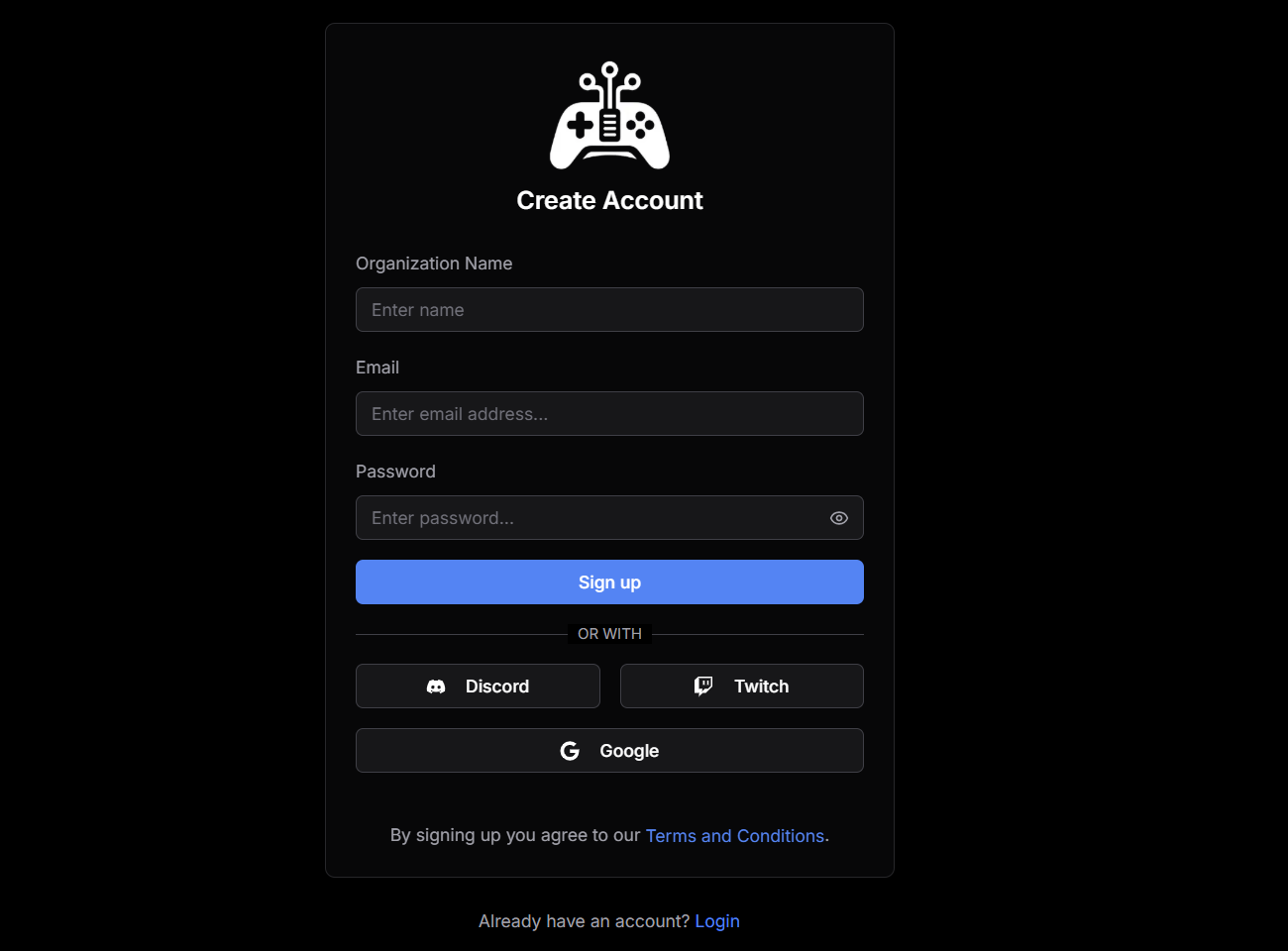
By signing up, you agree to our Terms and Conditions.
Step 3: Launch a Server
Click the Launch Server button to start a game server.
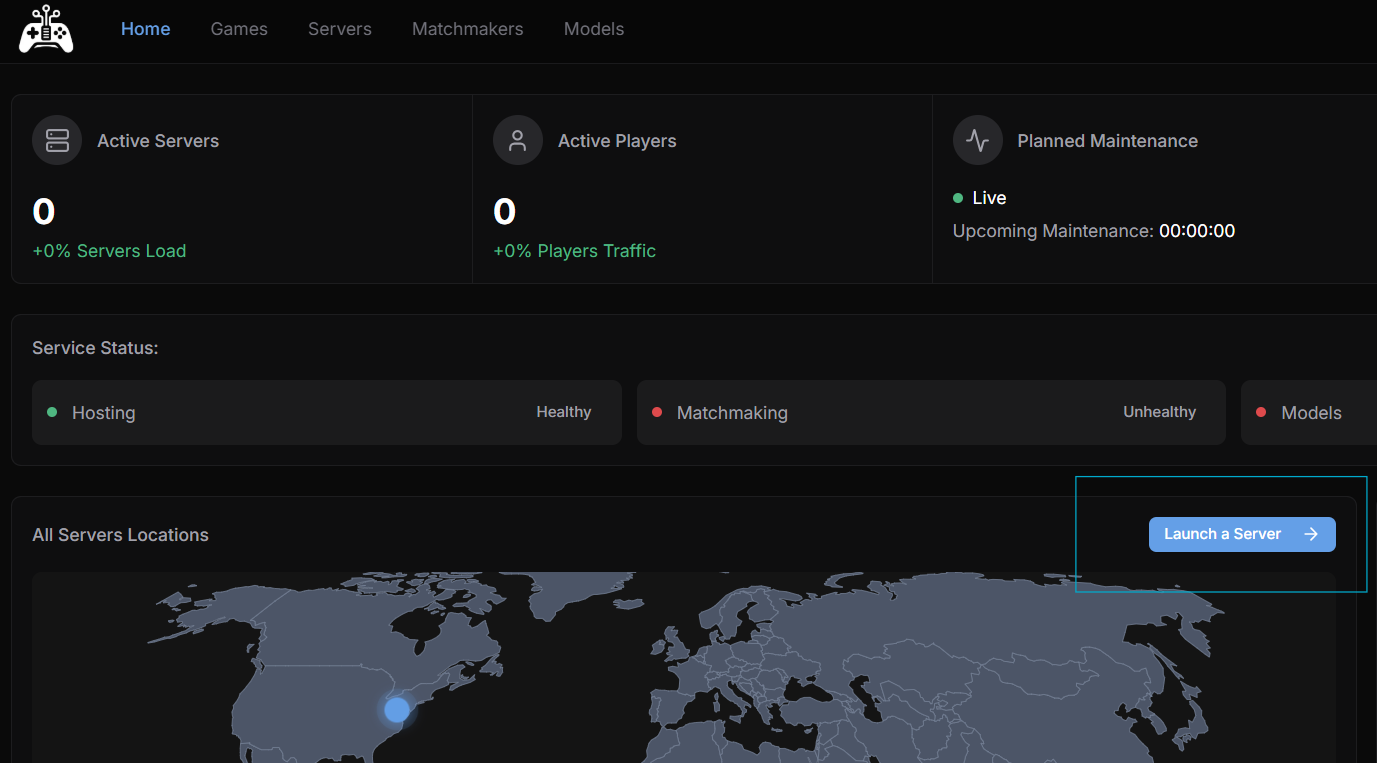
Step 4: Select Xonotic
From the game selection menu, choose Xonotic as your game, then hit Run Test Server to start a short-lived game server just for testing.
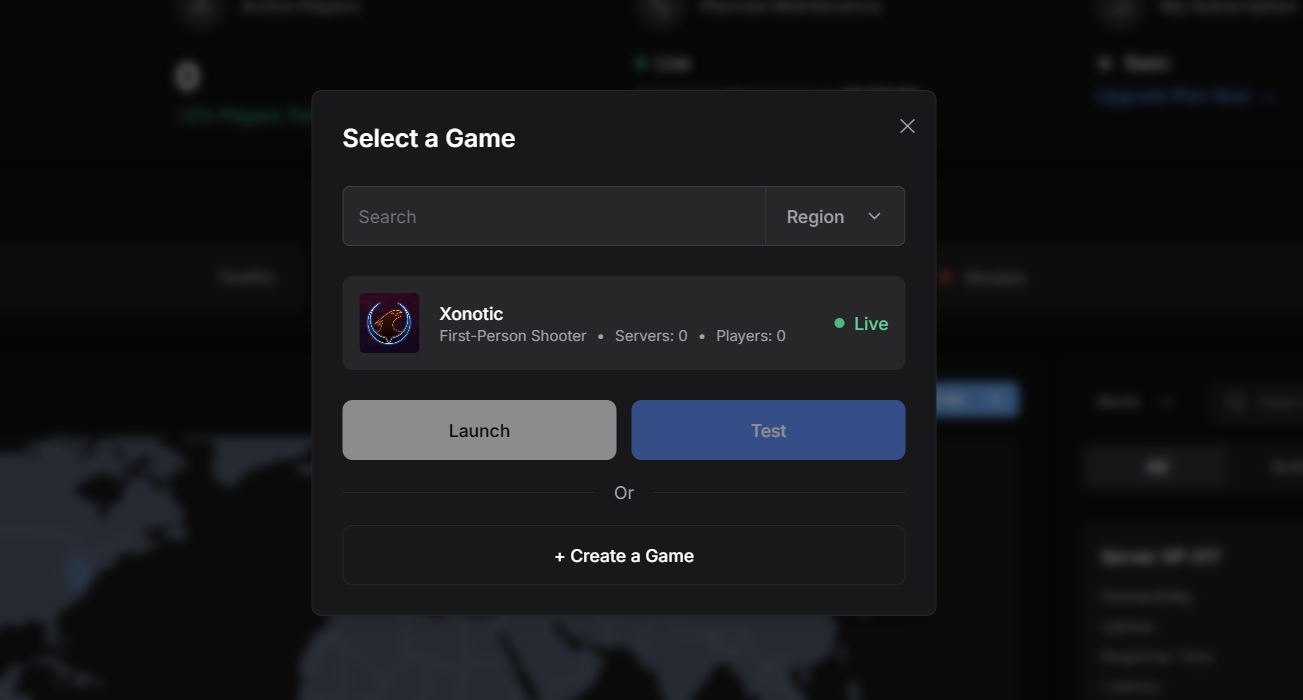
Test servers spin up quickly and shut down on their own, ideal for validating that your game server is configured correctly, reachable from your client, and behaves as expected.
Step 5: Get Your Server Details
Once your server starts, you'll receive:
- IP Address & Port - for connecting to the server
- Real-time logs - for monitoring your server activity as it happens
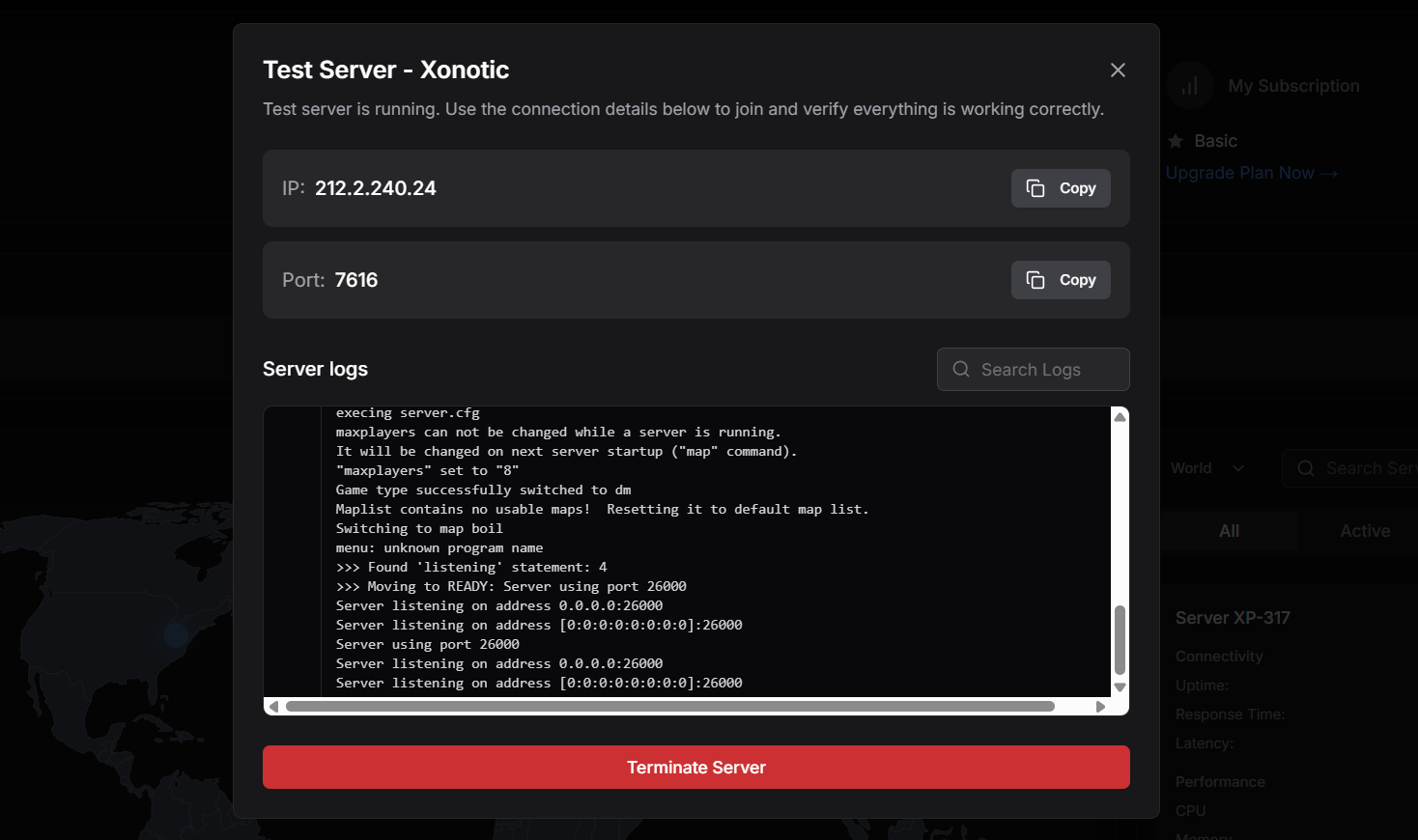
Step 6: Connect and Play
Connect to Your Server
Open the Xonotic client and navigate to the Multiplayer section. At the bottom of the server browsing screen, you'll find the section to enter the IP address and Port. Enter the connection details provided by GameFlow, then click Join to connect to your server.

Start Playing
Once connected, you'll be in the game! Invite a friend or co-worker to join using the same IP and port, and start playing together.
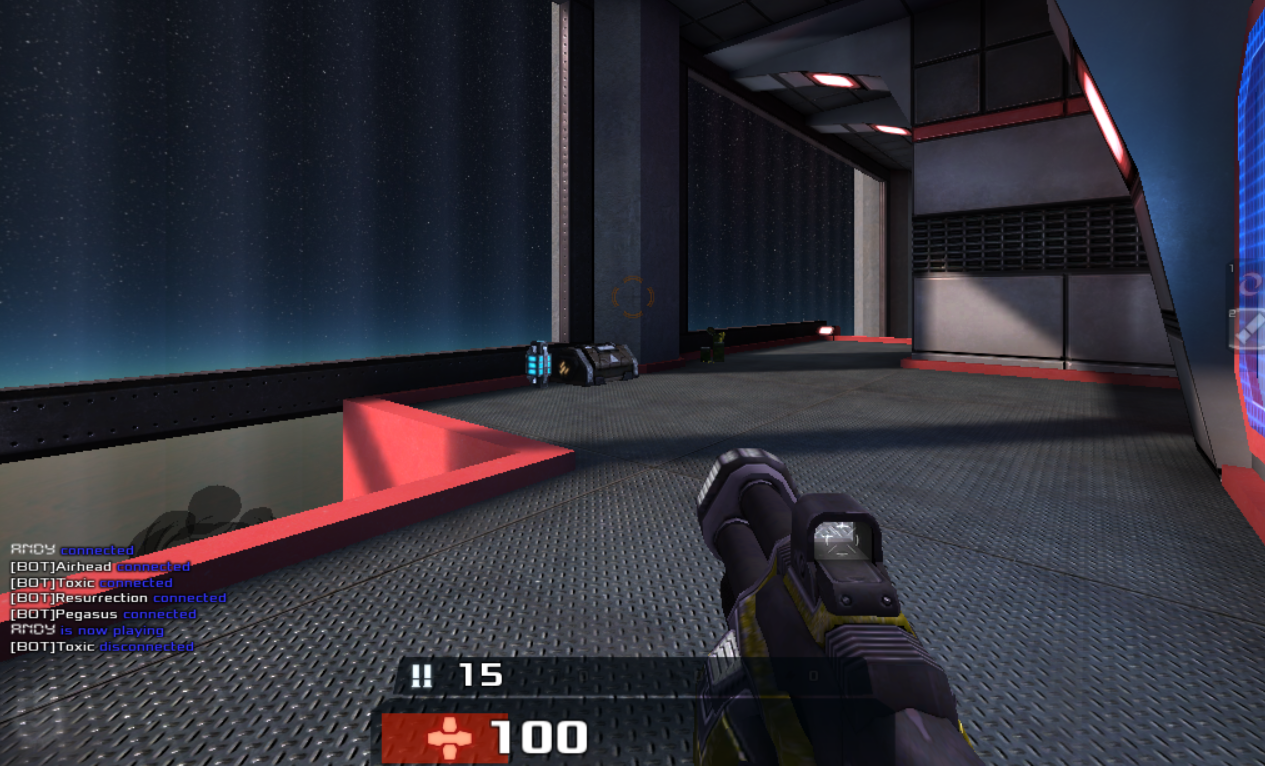
That's it! You've successfully launched and connected to your first GameFlow server.